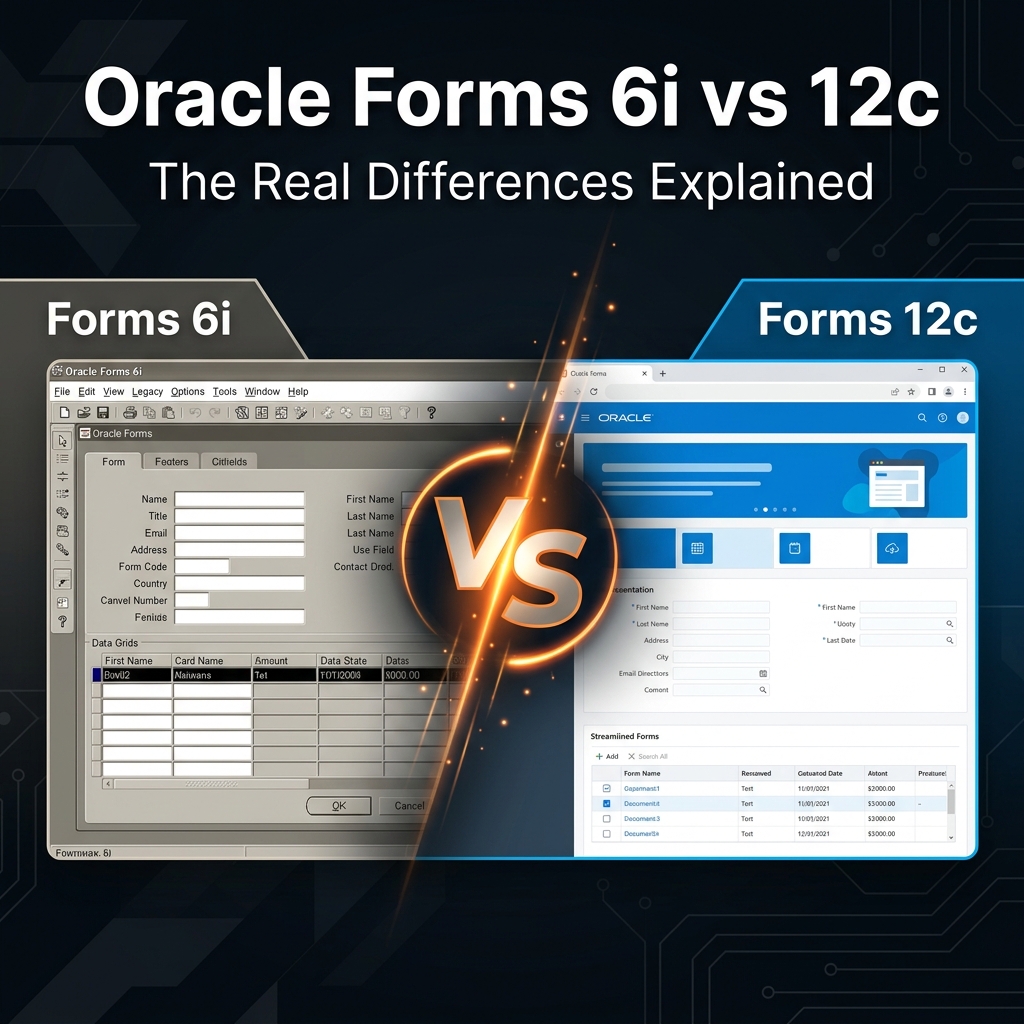
Oracle Forms 6i vs Oracle Forms 12c — What’s Really Different?
If you work in organizations running legacy Oracle Forms applications, this question comes up constantly: Should we upgrade to Oracle Forms 12c, or is it time to move to APEX?
Before you can answer that, you need to understand what actually changed between Oracle Forms 6i and later versions, particularly 12c. After working with both versions on enterprise projects, here is an honest technical breakdown.
A Quick History: Why the Gap Matters
Oracle Forms 6i was released in the late 1990s as part of the Oracle Developer Suite. It ran as a client-server application — the Forms Runtime was installed on each user’s desktop, and it connected directly to the Oracle database.
Oracle Forms 10g and 11g brought the first web-based deployment model using Java applets in the browser. Forms 12c (part of Oracle Fusion Middleware) continues and refines this approach, moving away from Java plugins toward more modern browser compatibility.
Architecture: The Biggest Difference
This is where the two versions diverge most significantly.
| Aspect | Oracle Forms 6i | Oracle Forms 12c |
|---|---|---|
| Deployment | Client-server (runtime on desktop) | Web-based via Oracle WebLogic Server |
| Browser support | Not browser-based | HTML5/WebSocket (no Java plugin needed) |
| Server requirement | Oracle Application Server (optional) | Oracle WebLogic Server (required) |
| Client requirement | Forms 6i Runtime installation | Modern web browser only |
| Database connection | Direct client-to-DB via SQL*Net | Server-to-DB via middleware |
This architectural shift is huge. With 6i, you install software on every user’s PC. With 12c, users access a URL and that is it — the application lives on the server.
Java Applet Retirement
Oracle Forms went through an awkward middle period (10g, 11g) where it used Java applets in the browser to render forms. This became a nightmare when major browsers stopped supporting Java plugins around 2015–2017.
Oracle Forms 12c addressed this by introducing a JavaScript/HTML5-based rendering engine called Oracle Forms Servlet combined with WebSockets. The visual output looks identical to the Java applet version, but the delivery mechanism no longer requires Java on the client.
This was a critical fix. If you are still running forms through Java applets, upgrading to 12c (or later) eliminates that dependency entirely.
Feature Differences That Matter in Practice
| Feature | Forms 6i | Forms 12c |
|---|---|---|
| PL/SQL version support | PL/SQL 8 features | Modern PL/SQL (full Oracle DB support) |
| Built-in packages | Core built-ins only | Enhanced built-ins + new APIs |
| Unicode support | Limited | Full Unicode / UTF-8 support |
| High DPI / Retina support | None | Improved HiDPI scaling |
| Accessibility (WCAG) | None | Partial WCAG 2.0 compliance |
| REST API integration | Not supported | Possible via custom code |
| Responsive layout | None | None (fixed layout paradigm) |
Code Compatibility: Is Your 6i Code Safe in 12c?
This is the question every project manager asks first. The short answer is: mostly, yes — with some exceptions.
The vast majority of Forms 6i code — triggers, PL/SQL blocks, property settings — works in 12c without modification. However, watch out for:
- Host commands and OS calls: Direct OS calls in 6i (like HOST() commands that launch local executables) need redesign in 12c since there is no client-side runtime
- File system operations: Reading/writing local files in 6i works because the runtime is on the desktop. In 12c, file operations happen on the server
- Client-side DDE (Dynamic Data Exchange): Windows DDE calls for Excel/Word integration do not work in the web deployment model
- OCX controls and ActiveX: These were sometimes used in 6i and are completely unsupported in 12c
- Timer built-ins: TIMER_EXPIRED and related built-ins work differently in 12c
In practice, about 80–90% of Forms 6i applications can be compiled and run in 12c with no changes. The remaining 10–20% requires varying degrees of rework depending on how much client-side functionality the application relied on.
Performance Comparison
In a well-tuned local network, Forms 6i in client-server mode is extremely fast — the database connection is direct, with low latency. Forms 12c adds a middleware layer, which introduces some overhead.
However, in practice across a WAN or when supporting remote users, 12c’s web-based approach often performs better because only screen changes are transmitted over the network, not full data packets.
For very high-transaction forms processing hundreds of records per minute in a local data center, 6i may still have an edge. For everything else — especially geographically distributed users — 12c wins.
Licensing and Support Implications
This is where the business conversation gets interesting. Oracle Forms 6i reached its end of Premier Support many years ago. If you are still running it, you are outside Oracle’s official support window — which means no patches, no security fixes, and potential compliance issues.
Oracle Forms 12c is under active support as part of Oracle Fusion Middleware. Oracle has repeatedly stated its commitment to continuing Forms development, which gives 12c users a clearer support roadmap.
Forms 12c vs APEX: Which Should You Choose?
Once you know you need to leave Forms 6i, the second question is: upgrade to 12c, or migrate to Oracle APEX?
Here is a simple decision framework based on real-world experience:
Choose Forms 12c if:
- You have a large portfolio of Forms applications and limited development resources
- Your business logic is deeply embedded in Forms triggers and rewriting is cost-prohibitive
- Users are accustomed to the Forms interface and resist change
- Your main goal is simply to restore browser compatibility
Choose Oracle APEX if:
- You are building new functionality and want a modern, mobile-friendly interface
- You want to eliminate the WebLogic Server licensing and infrastructure cost
- You need REST APIs, integrations with external systems, or modern UI patterns
- You are willing to invest in a migration project for long-term gains
Many organizations do both: they upgrade existing Forms applications to 12c for stability while building all new functionality in APEX. This hybrid approach is practical and common.
My Personal Recommendation
After working on multiple Oracle Forms modernization projects, my honest recommendation is this: if you have active users depending on Forms applications today, upgrading to 12c is a pragmatic short-term fix. It restores browser compatibility and gets you back on a supported platform with minimal code changes.
But treat it as a bridge, not a destination. The real future of Oracle development is APEX, and every year you spend in Forms is a year you are not building the skills and architecture that will serve your organization long-term.
Plan your 12c upgrade, stabilize your Forms applications, and then begin a phased APEX migration for the most business-critical systems first.
Have questions about a specific Forms application you are evaluating? Leave a comment below — I am happy to help you think through the decision.